
Digital menu boards for restaurants
Items and prices you manage from your phone, plus a daily offer board.
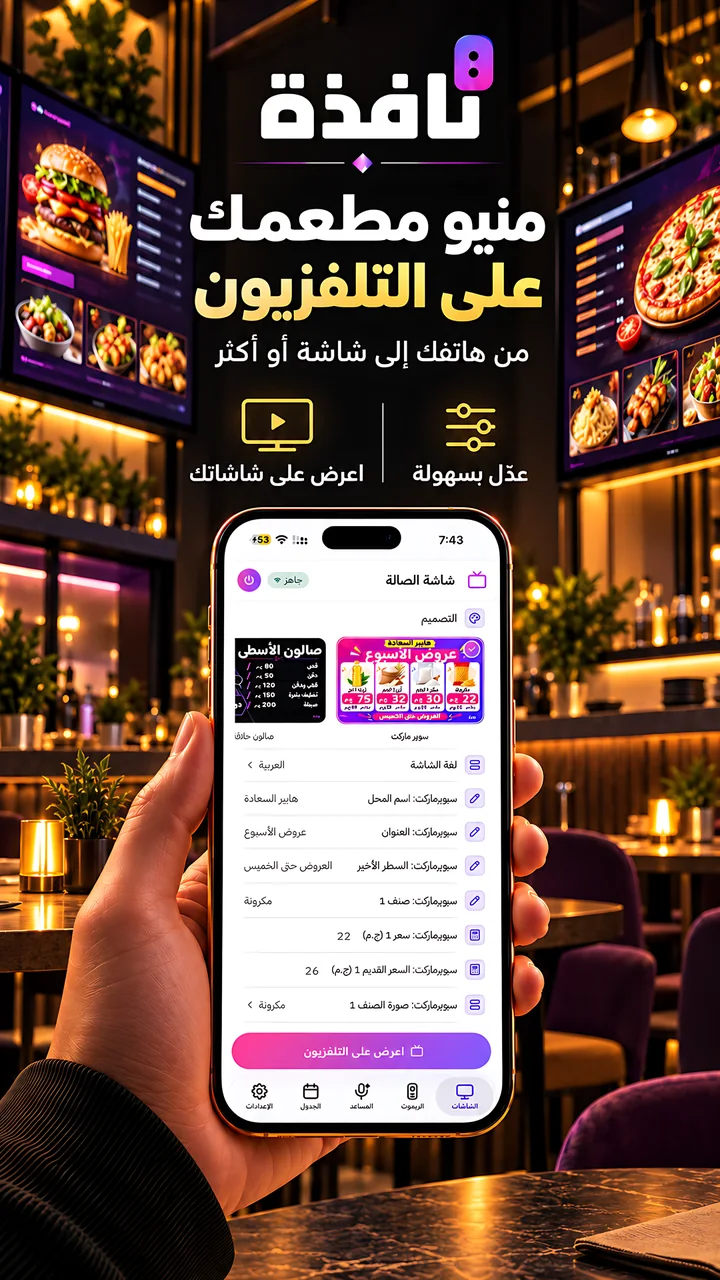
Ready screens for each kind of business. You type the content on your phone, and it shows on your shop's TV.
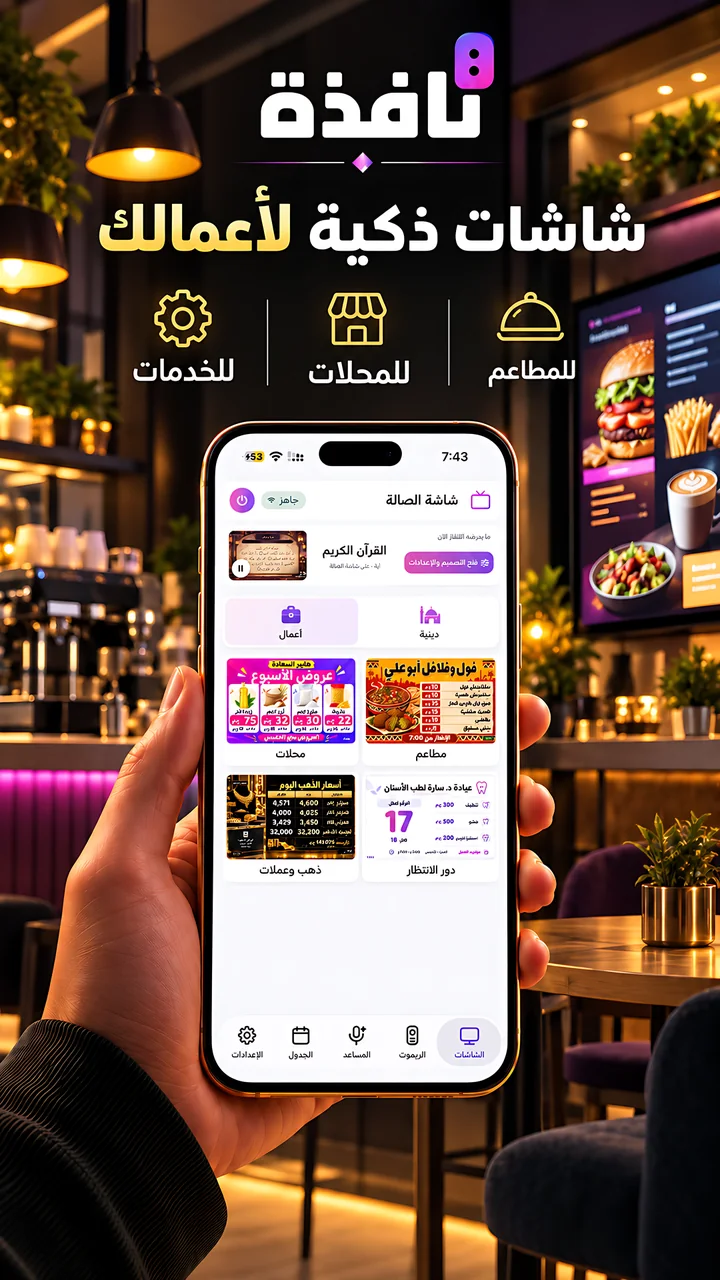
These are the business sections today. New sections are added regularly.
Items and prices you manage from your phone, plus a daily offer board.
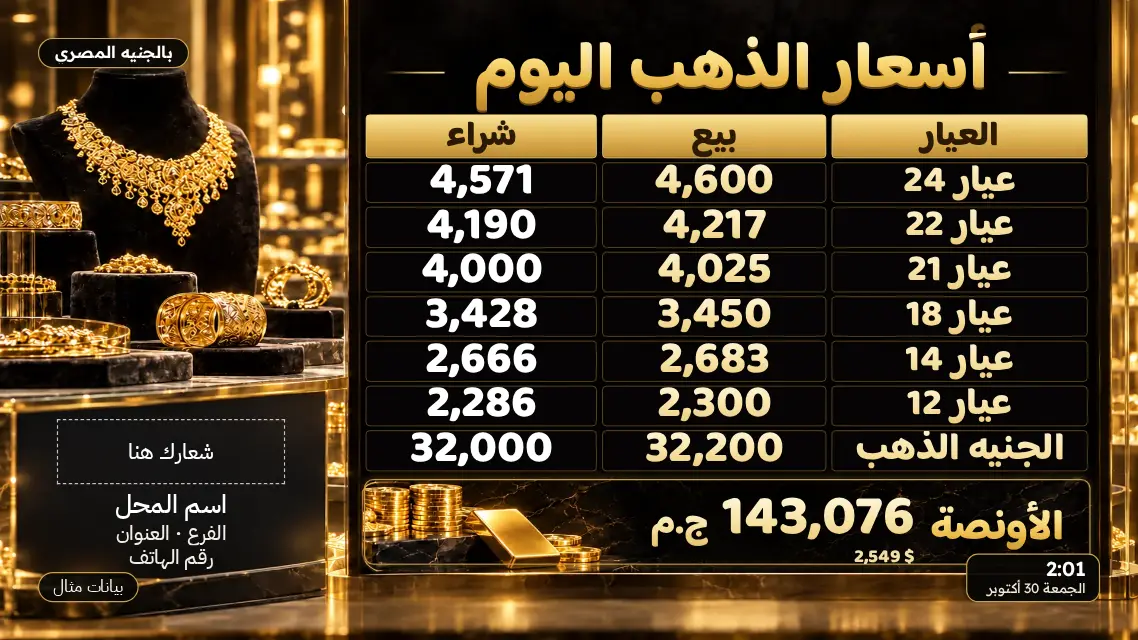
Live prices or your own, with your shop name and logo.
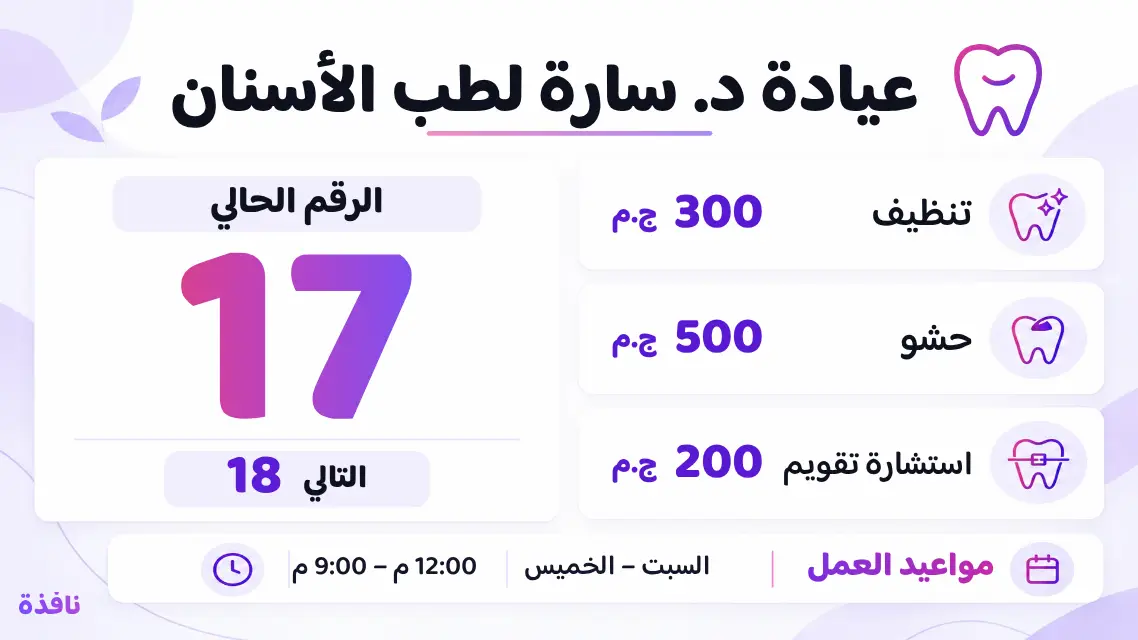
For clinics, banks and service shops. You change the number from your phone.
Ready templates by activity. Change the text and prices on the phone and the screen follows.
Put your branches' screens in groups and send to all of them at once.
A screen for each time of day. The TV runs the schedule by itself.
Each plan starts with a 3-day free trial. Plans and their prices are shown inside the app for your country.
Up to 3 TVs.
Up to 10 TVs.
Up to 25 TVs.
A smart TV with the Nafza TV app, or one with a browser where you open the Nafza link.
No. The business section is the only paid part of Nafza, with a 3-day free trial. Prices are shown inside the app for your country.
No. Business screens need the internet when they load on the TV.
Yes. You name the screens, group them, and send to all of them from one phone.
What is free and what is paid.
To run the screens on the shop's TV.
Schedule, groups and designs.
The app is free. No account, no sign-in.


App Store and Google Play for the phone app, Amazon Appstore for the TV app.