«Show prayer times»
Prayer times and the Quran on your home TV
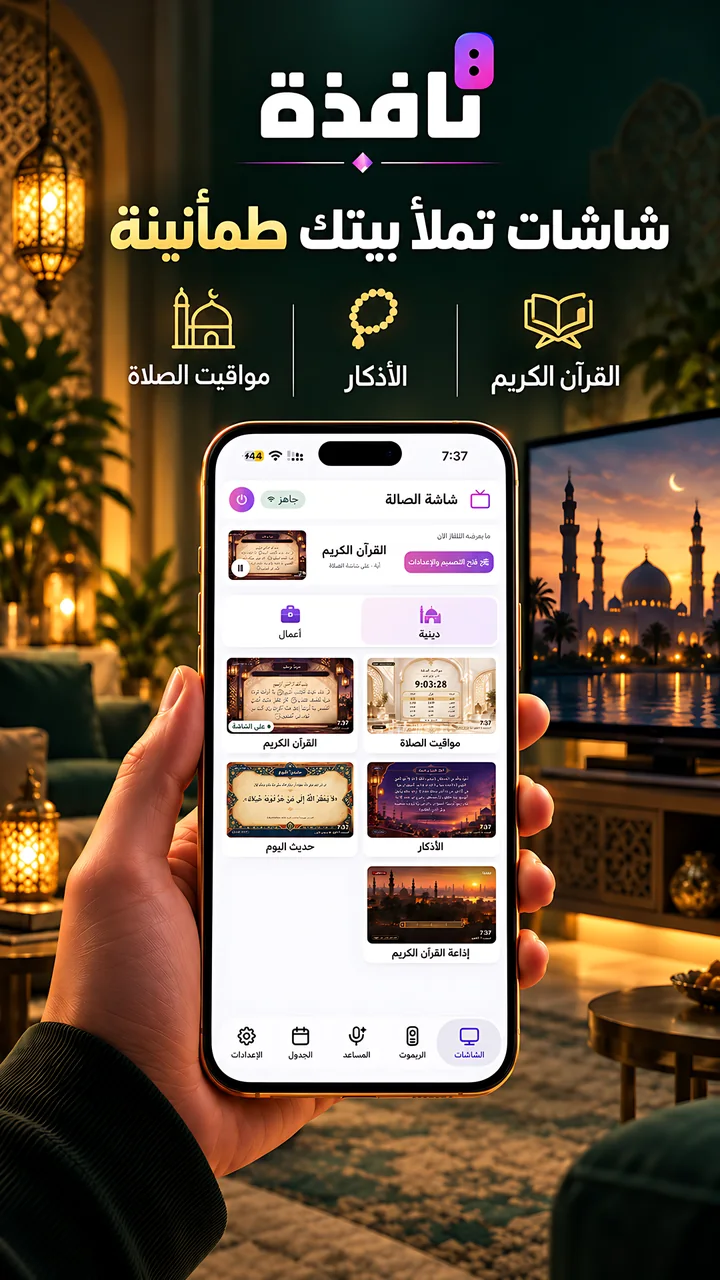
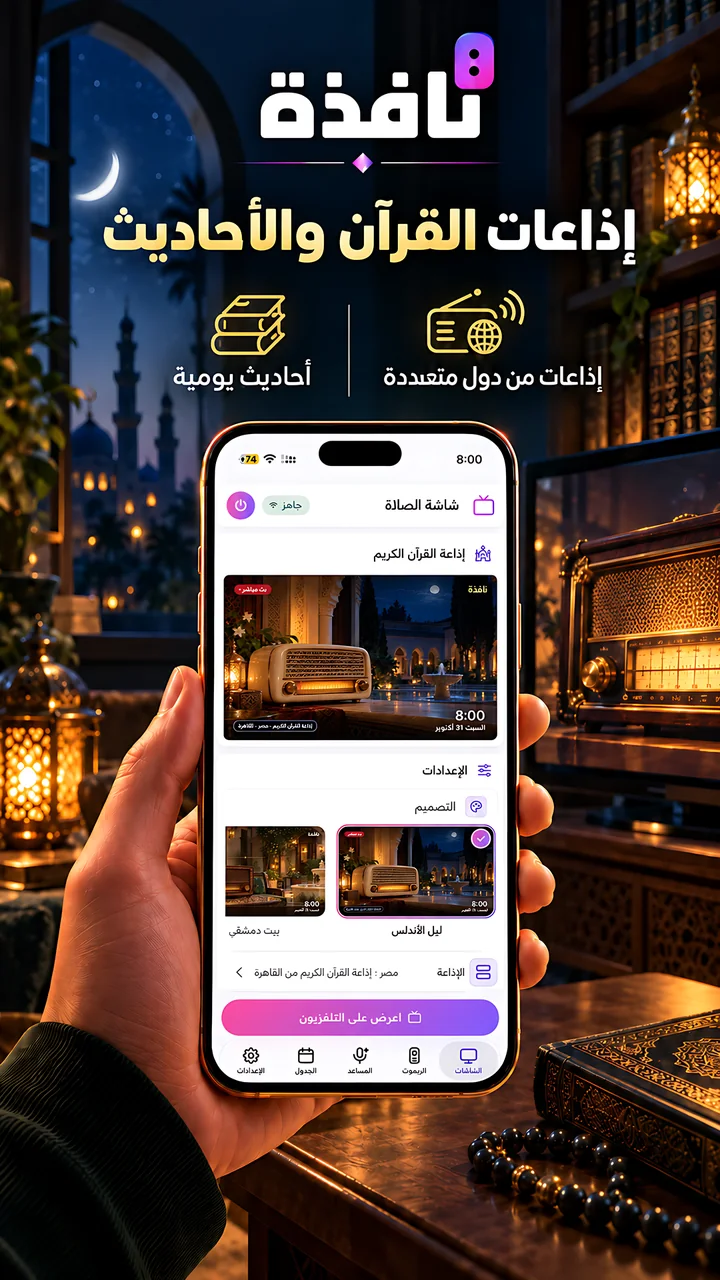
The azan on time, the Quran with your reciter, athkar, a daily hadith and live Quran radio. All free.
By touch or by voice: a full remote, an assistant that understands you, and a library of ready screens for your home and your work.

App Store and Google Play for the phone app, Amazon Appstore for the TV app.
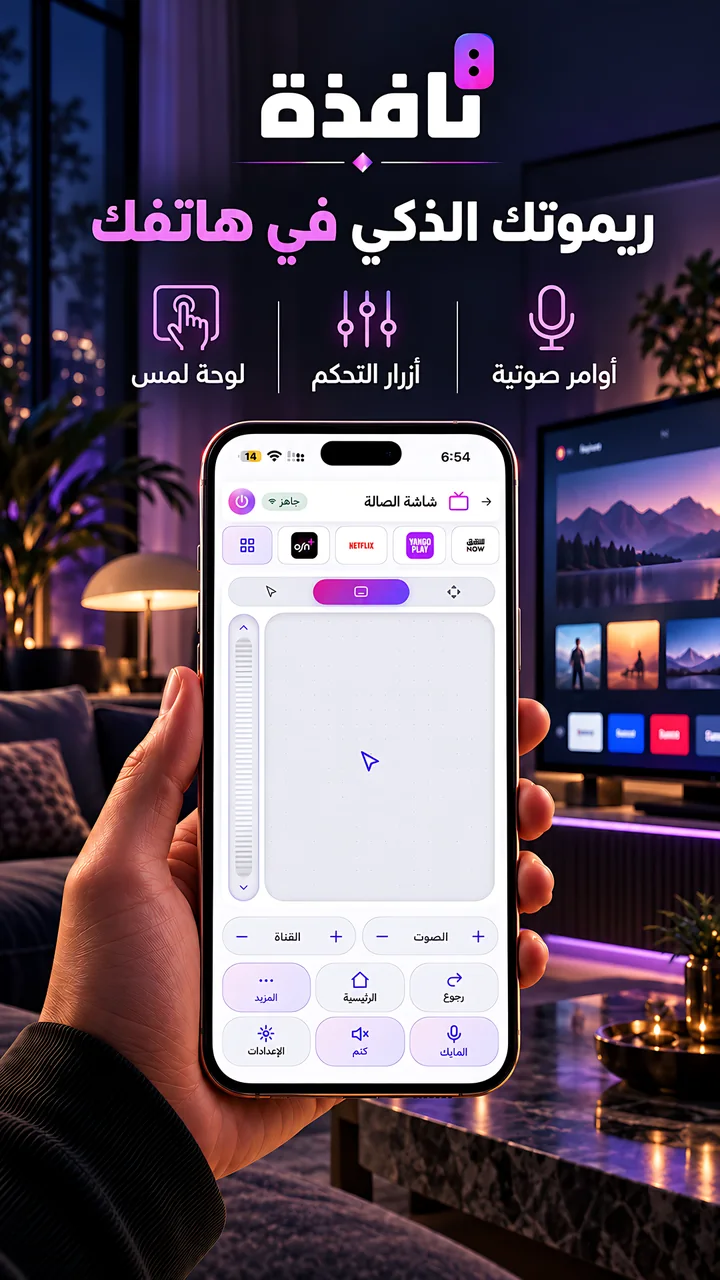
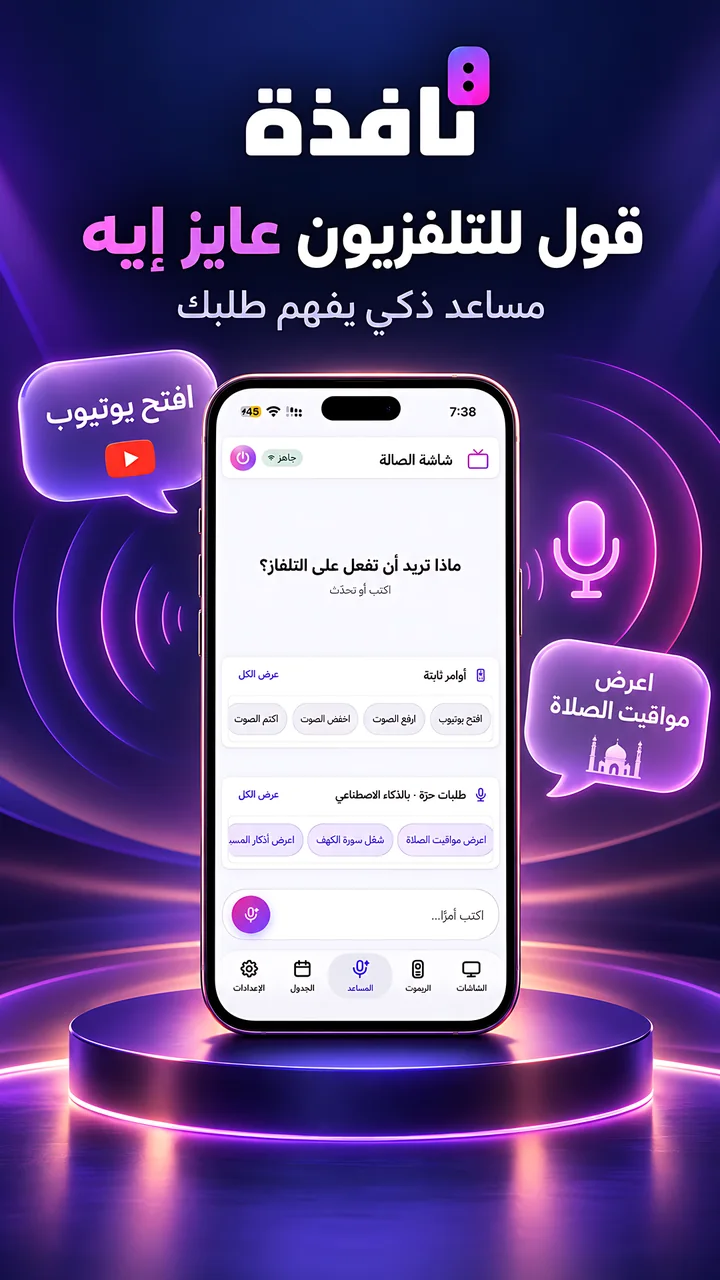
Free, over your Wi-Fi, with no internet needed.
Arrows, volume, channels, numbers and playback keys.
Type and search on the TV from your phone.
All its apps and inputs in front of you, one tap to open.
Pick a screen and show it on the TV. These are the library's sections today. New sections and screens are added regularly.
Screen libraryThe azan on time, the Quran with your reciter, athkar, a daily hadith and live Quran radio. All free.
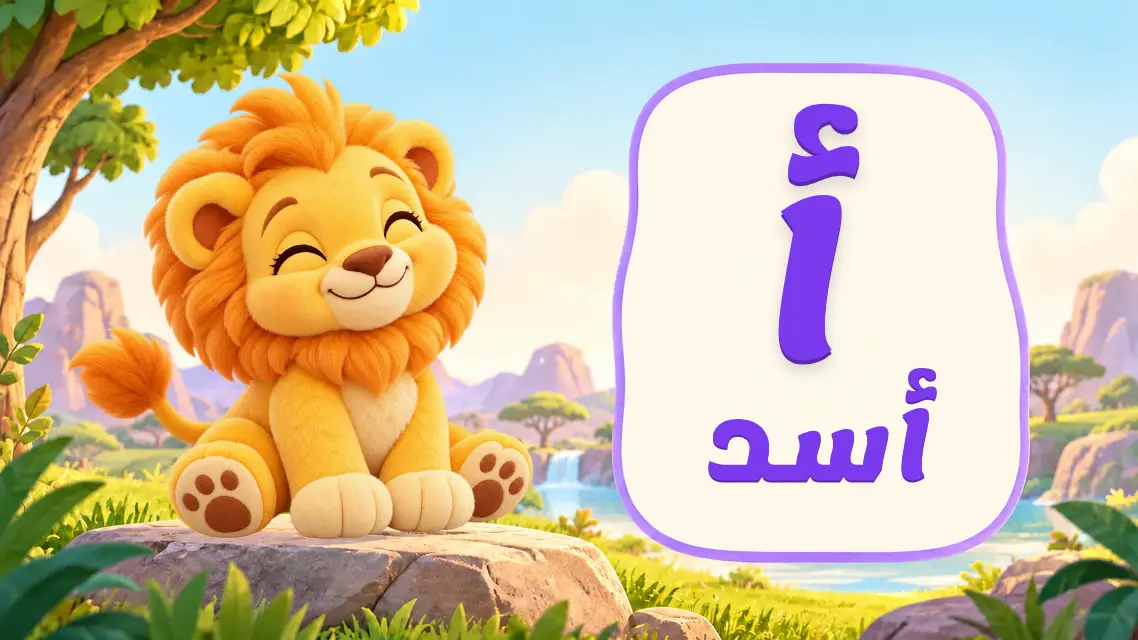
Free screens in Arabic and English: letters, words, numbers, shapes, colours, animals, and picture stories with a narrator.

Ready screens for each kind of business. Change them on your phone and they show on one TV or many. Part of the business plans.
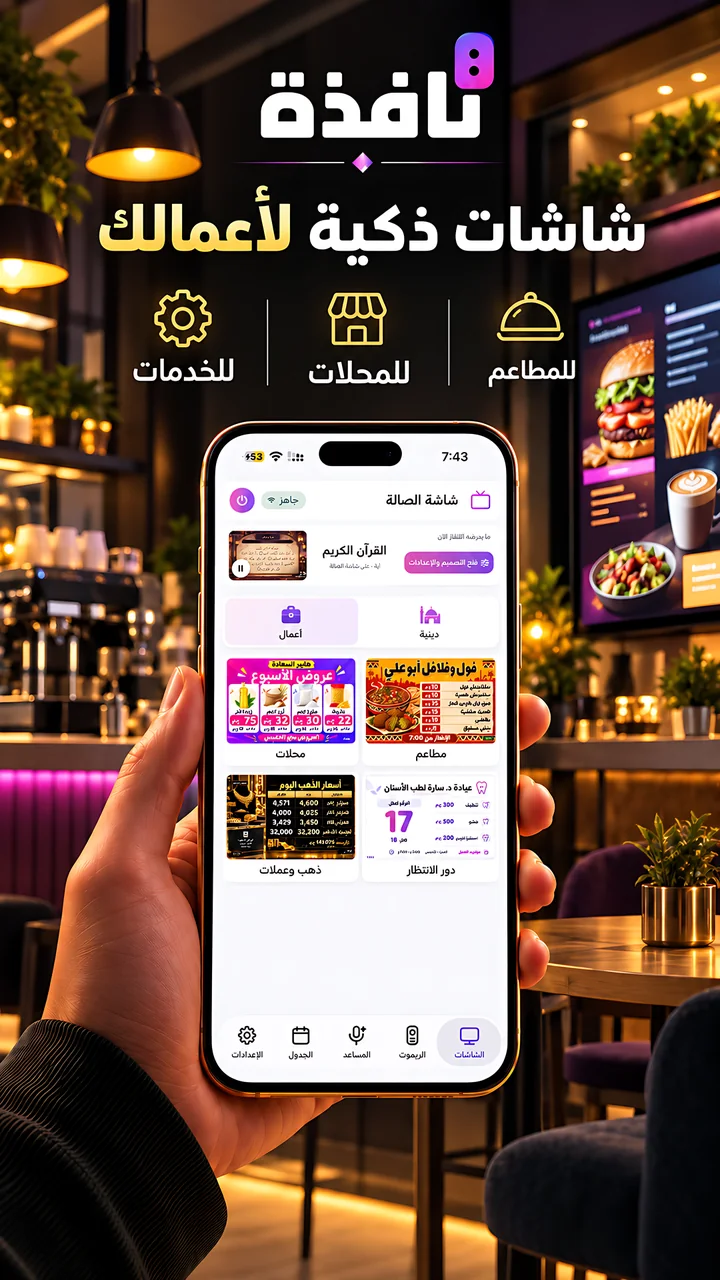
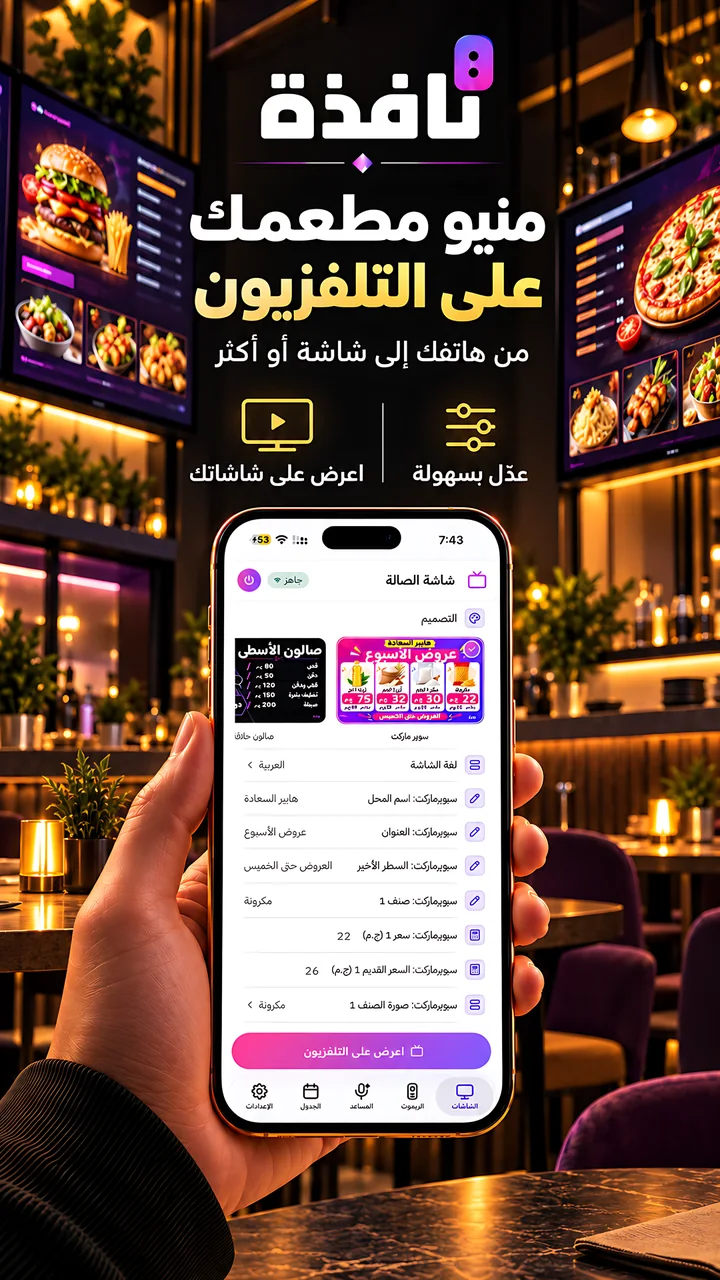
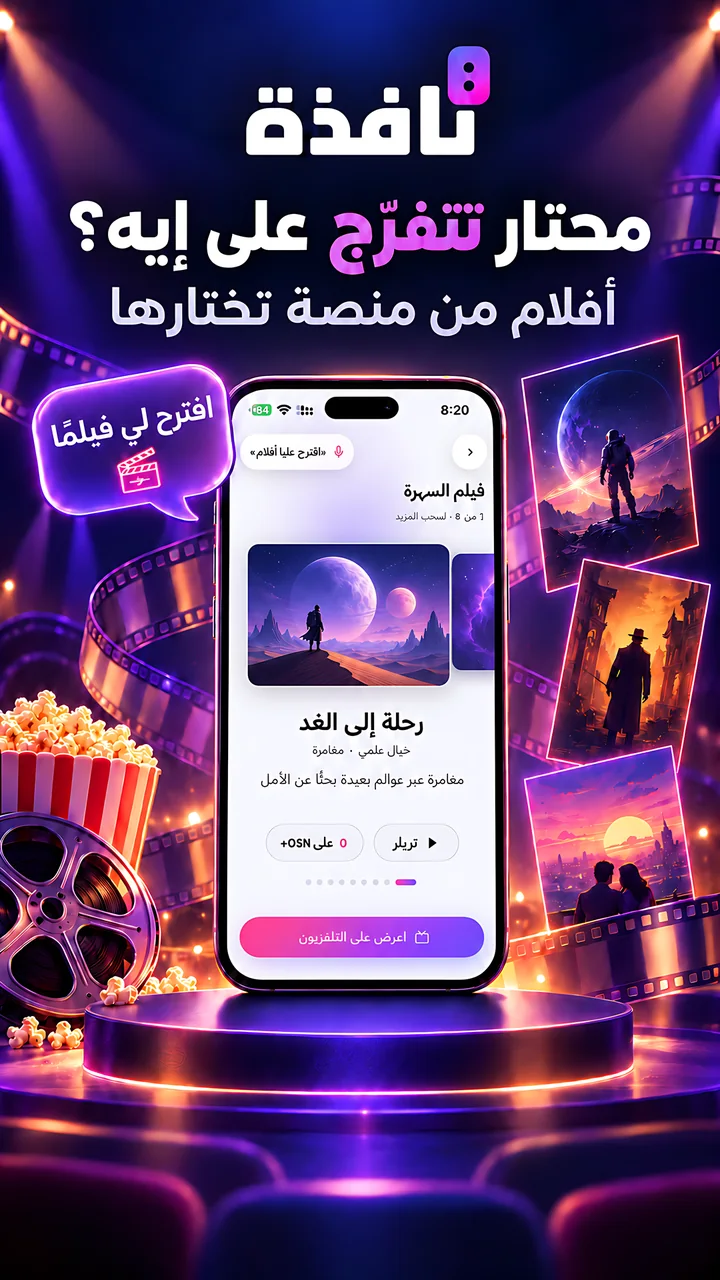
Movies and series you can stream in your country, on the app you choose. Runs on the assistant's free points.
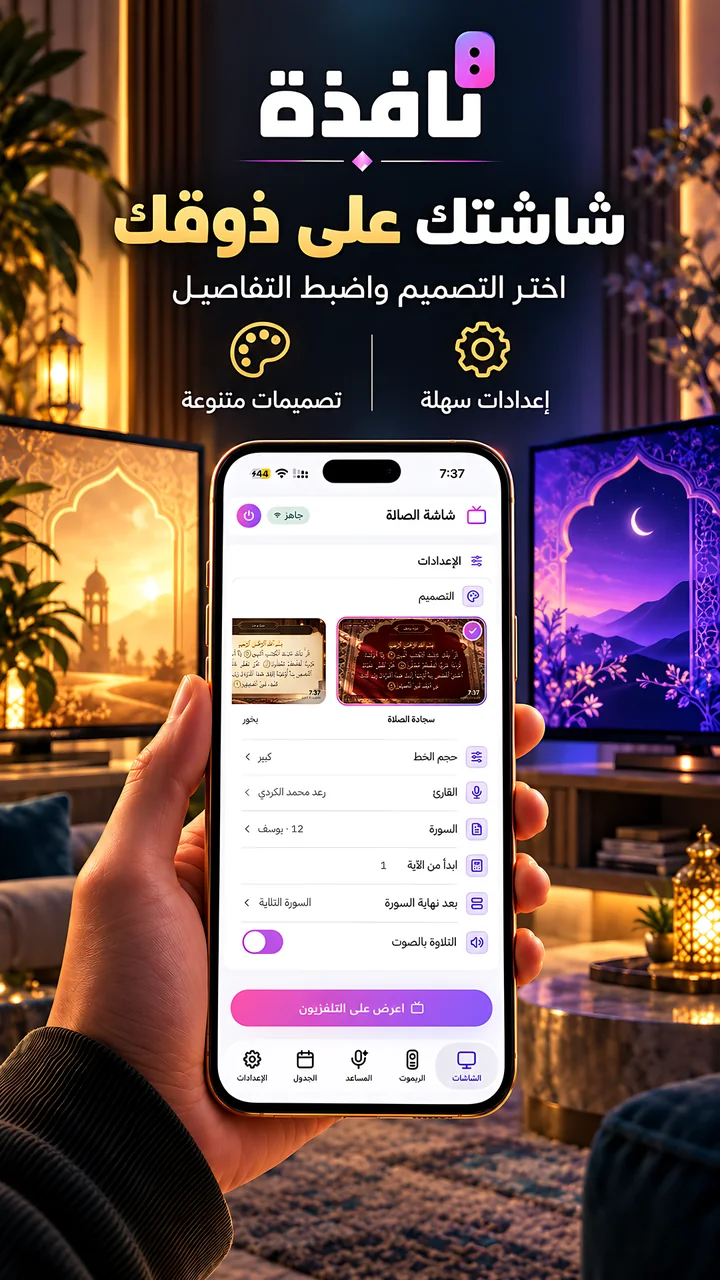
Several designs for each screen, a live preview before showing, and a daily schedule that puts each screen on at its time.
The app is free. No account, no sign-in.
Nafza finds the TVs on the same Wi-Fi by itself.
Use the remote, or pick a screen and send it to the TV.
The remote reaches the TV over your home Wi-Fi and needs no app on the TV. To show screens, install the Nafza TV app, or open the Nafza link in the TV's browser.
The Nafza TV app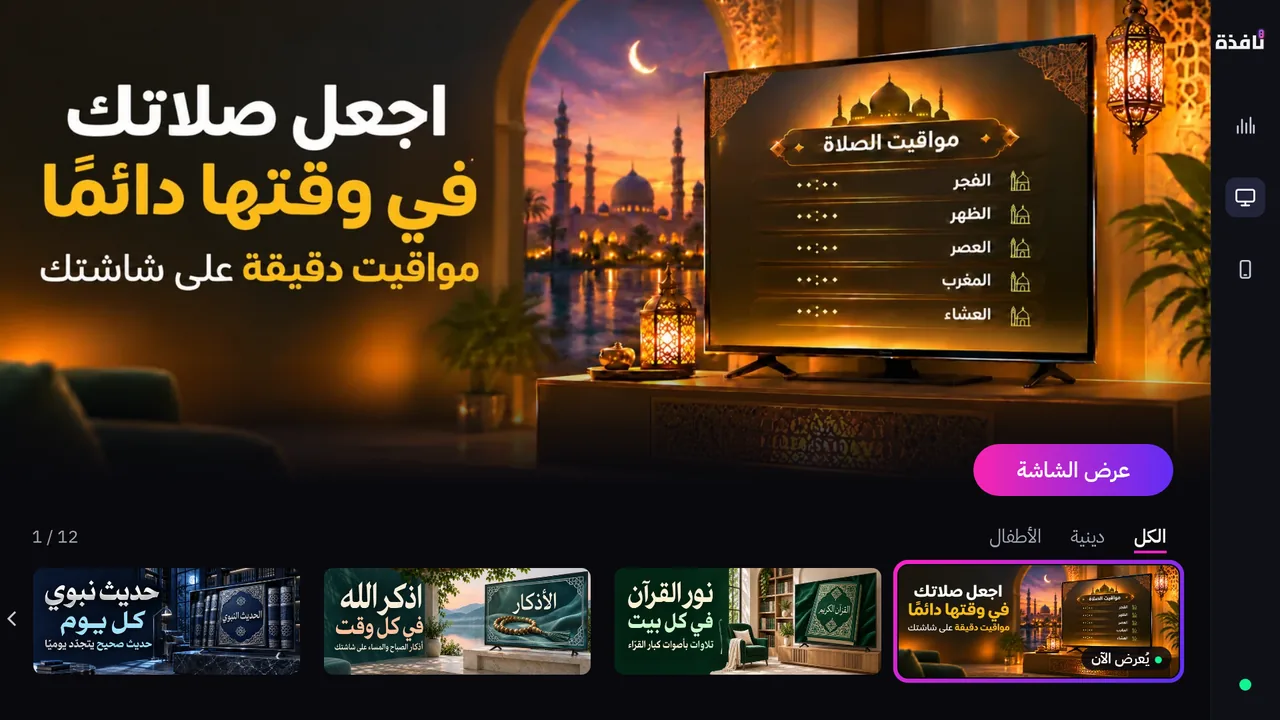
Yes. Nafza turns your phone into a full remote: arrows, volume, channels, a keyboard for typing, and the TV's apps.
Yes. The phone and the TV only need to be on the same Wi-Fi network. Showing screens and the assistant need the internet.
Yes. The app is free, with ads in the phone app, and the assistant runs on points you earn by watching an ad. The only paid part is the business screens.
Not for the remote. To show screens, install the Nafza TV app, or open the Nafza link in the TV's browser.
TVs running LG webOS, Samsung Tizen, Google TV / Android TV and Roku. The full list is on the supported TVs page.
The app is free. No account, no sign-in.
App Store and Google Play for the phone app, Amazon Appstore for the TV app.