
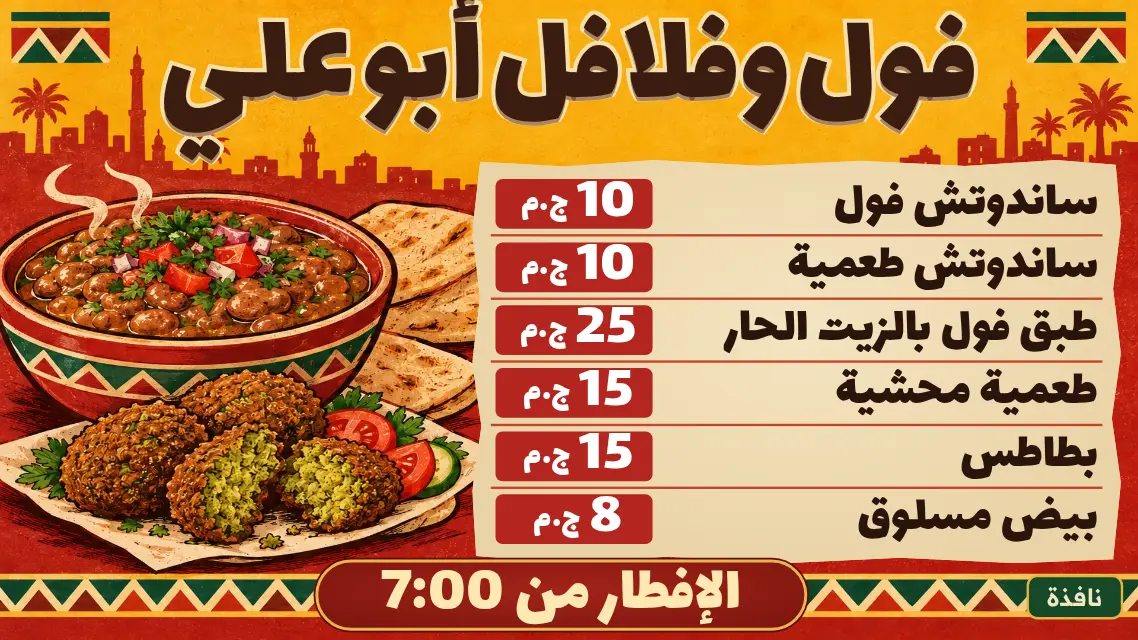
A menu board on your TV
A menu with sections and prices, on pages that rotate by themselves.
- Up to 150 items
- Each page stays 10 to 60 seconds
- Board in Arabic or English, 12 currencies
Type your items and prices on your phone and change them whenever you like. The TV follows.
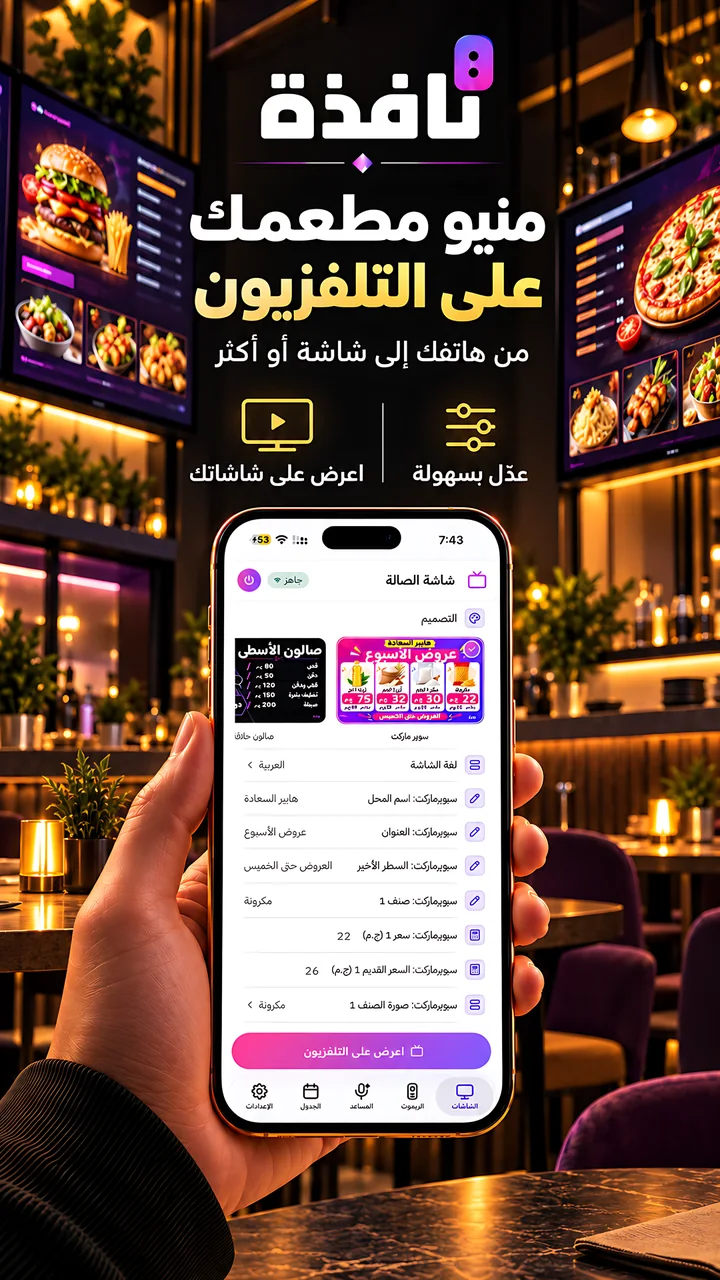
A menu with sections and prices, on pages that rotate by themselves.
Add items and change prices in a searchable list, or import the whole menu from a spreadsheet.

One offer with its old and new price, or several offers on one board.
New sections and screens are added regularly.
Sections and prices on rotating pages
An offer with its old and new price
Business screens work with the business plans, with a 3-day free trial. Plans and their prices are shown inside the app for your country.
PlansType the items and prices in Nafza or import them from a spreadsheet, then send the menu to the TV.
Business screens are part of the business plans, with a 3-day free trial. Plans and their prices are shown inside the app for your country.
Live prices or your own, with your shop name and logo.
For clinics, banks and service shops. You change the number from your phone.
Every screen for shops and services.
The app is free. No account, no sign-in.



App Store and Google Play for the phone app, Amazon Appstore for the TV app.